

Key Takeaways
- A travel budget spreadsheet separates estimated costs from actual spending so you can course-correct mid-trip.
- Organizing costs by category - transport, lodging, food, activities - prevents overlooked expenses.
- Building in a 10-15% contingency buffer is one of the most effective ways to avoid going over budget.
- Logging real spending daily on the road takes less than five minutes and keeps you in control.
- A spreadsheet you build yourself is easier to maintain than a template you don't fully understand.
What you will need
Why a Spreadsheet Outperforms Mental Math
Most travel budgets fail not because travelers spend recklessly, but because they estimate loosely. A number in your head doesn't account for airport transfers, checked bag fees, the taxi you didn't plan for, or the museum entry you forgot to research. A spreadsheet forces every assumption onto the page, where it can be questioned and updated.
Unlike a generic budgeting app, a spreadsheet you build yourself reflects how you travel. You decide the categories, the currency, and the level of detail. That ownership also means you're more likely to actually use it. For a broader look at how this method compares to other tracking approaches, see tracking spending by hand vs. using a spreadsheet vs. an app.
What you will need
Setting Up Your Spreadsheet Structure
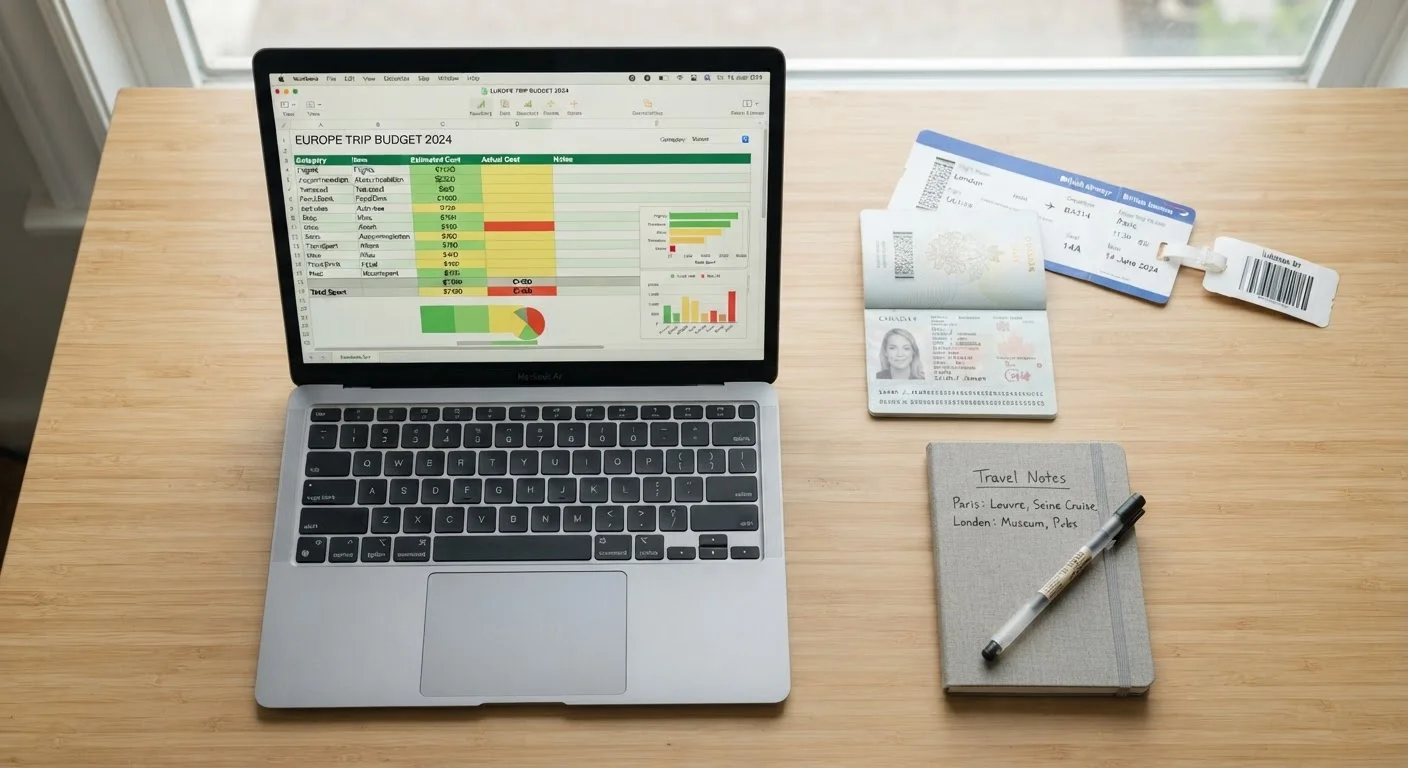
Open a blank spreadsheet in any tool you already use - Google Sheets works well because it's accessible from your phone while traveling. Start with two tabs: Budget Plan and Actual Spending. Keeping them separate lets you compare estimates against reality at a glance.
On the Budget Plan tab, create the following columns: Category, Item, Estimated Cost, Notes. On the Actual Spending tab, use: Date, Category, Description, Amount, Payment Method. Add a summary section at the top of each tab showing the total, so it's always visible without scrolling.
List every cost category for your trip
Before entering a single number, write out every category of expense your trip will involve. Standard categories include: Flights, Accommodation, Ground Transport, Food & Drink, Activities & Entrance Fees, Shopping, Travel Insurance, Visa & Entry Fees, and Miscellaneous. Add a Contingency line - typically 10-15% of the total - before you consider the list complete.
Research and enter estimated costs for each item
For each category, research realistic costs for your specific destination and dates. Check current accommodation rates, look up average restaurant prices, and verify transport options and fares. Enter a conservative (slightly high) estimate rather than the best-case number - budgets built on optimistic figures almost always fall short.
Use a formula in your Estimated Cost column to auto-total each category, and a final formula at the bottom to sum everything. This live total is your budget ceiling.
Add your contingency buffer as a line item
In your Budget Plan tab, add a dedicated Contingency row and set it to 10-15% of your subtotal. Use a formula: =SUM(B2:B20)*0.12 (adjust the range to match your data). This buffer exists for missed transport connections, medical needs, spontaneous decisions, or anything your research didn't anticipate.
Set up your Actual Spending tab for on-the-road use
Switch to your Actual Spending tab and format it for quick mobile entry. Keep columns minimal: Date, Category (use a dropdown list matching your Budget Plan categories), Description, and Amount. Add a formula at the top summing the Amount column so your running total is always visible. If you're traveling internationally, add a Currency column and a converted Amount column using a fixed exchange rate you set before departure.
Log spending daily - take 5 minutes each evening
The spreadsheet only works if spending is logged consistently. Set a habit: each evening before bed, open the Actual Spending tab and enter every transaction from the day. Use your phone's notes app as a temporary holding place if you're somewhere you can't log immediately. Keeping entries current prevents the memory gaps that cause totals to go wrong.
Compare plan vs. actual at the midpoint of your trip
Halfway through your trip, spend ten minutes reviewing both tabs side by side. Calculate how much of your budget you've used versus how many days remain. If you've spent 60% of your budget but have 70% of your trip left, adjust - cut back in flexible categories like dining or shopping before the deficit grows. This mid-trip check is the most practical intervention a travel budget allows.
Common Pitfalls to Avoid
Even a well-structured spreadsheet can fail if the estimates feeding it are wishful. The most frequent mistake is underestimating food costs - daily meal budgets often run 20-40% higher than anticipated once coffee, snacks, and one restaurant splurge are factored in. Research average meal costs for your destination before you enter any numbers.
Forgetting pre-departure costs is another common gap. Visas, travel insurance, airport parking, and checked baggage fees can collectively add hundreds of dollars before you've left home. Build a dedicated Pre-Departure category and populate it carefully. For a detailed breakdown of recurring patterns that derail budgets, see reasons travel budgets fall apart.
Exchange Rates Change - Lock In a Working Rate
If your trip involves foreign currency, set a conservative fixed exchange rate in your spreadsheet before you leave and use it consistently throughout. Do not rely on live rates updating during the trip, as fluctuations can distort your running total and make comparisons unreliable. Check official sources or your bank for current rates, and add a small buffer (around 3-5%) to account for transaction fees.
If your trip involves moving between cities, factor in ground transport costs explicitly - this is one of the easiest line items to underestimate. Our guide to building a ground transport plan for a multi-city trip walks through how to price those legs accurately.
Once your trip is complete, reconciling your spreadsheet - comparing what you planned against what you actually spent - is where the real learning happens. That habit is covered in depth in planning travel costs end to end. For the underlying habits that make any budget system stick, travel budget principles worth carrying on every trip is a natural companion read.